 sales@wildnetedge.com
 +1 (212) 901 8616
 +1 (437) 225-7733
















































































































 ChatGPT Development & Enablement
  Hire AI & ChatGPT Experts
  ChatGPT Apps by Industry
  ChatGPT Blog
  ChatGPT Case study
  AI Development Services
  Industry AI Solutions
  AI Consulting & Research
  Automation & Intelligence





TL;DR
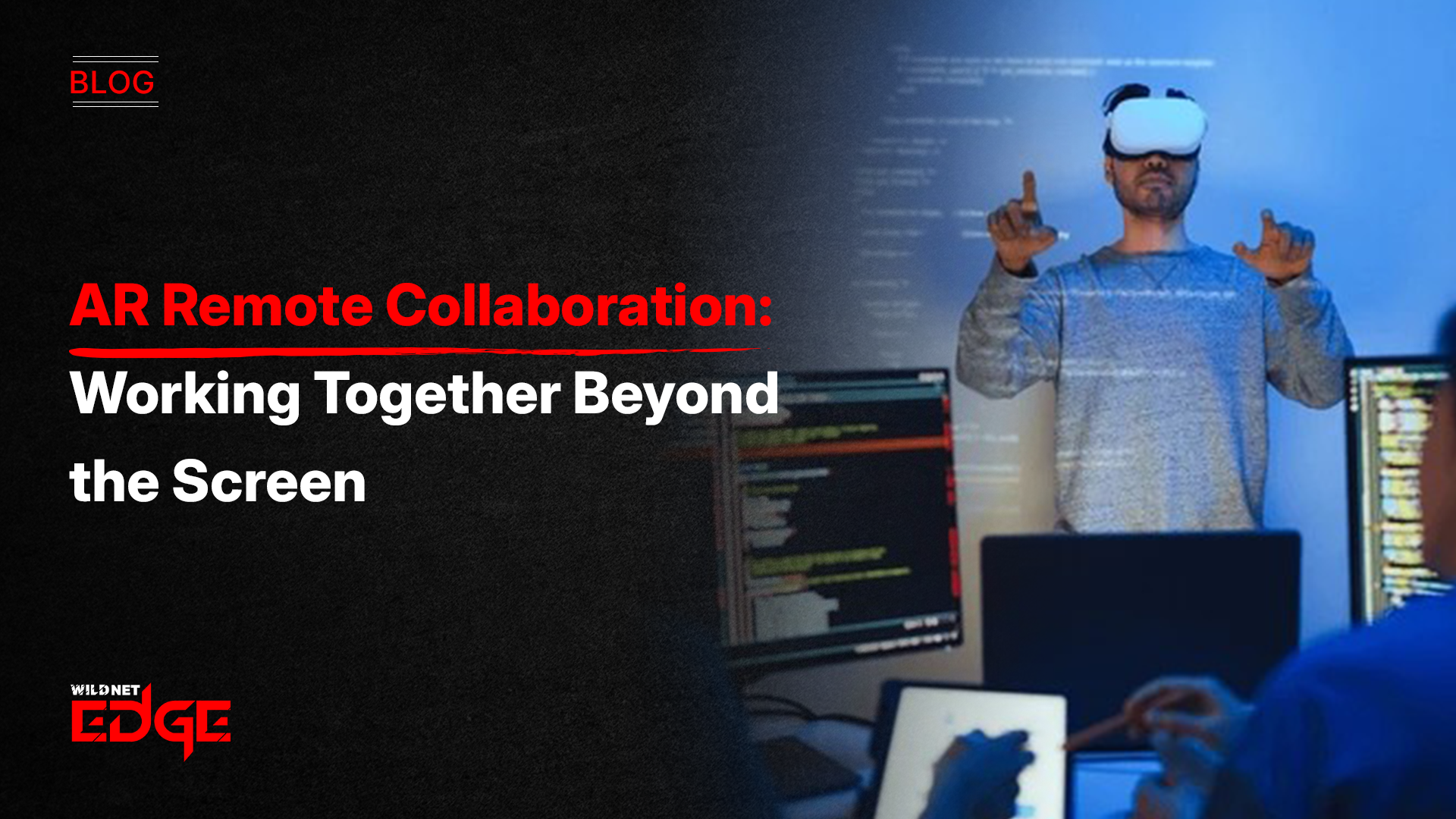
AR Remote Collaboration brings people, data, and 3D content into the same shared space, even when teams are miles apart. AR-based meetings replace flat video calls with spatial interaction. Virtual workspace tools let teams work with models, documents, and dashboards as if they were in the same room. From collaborative AR in field service to 3D visualization remote workflows in design, this shift makes remote work more natural, faster, and more effective.
Remote work solved the location issue. It never solved the presence. Video calls helped teams stay connected, but they also flattened collaboration. You could talk, but you could not point at an object, walk around a design, or guide someone’s hands in real time. AR Remote Collaboration changes that by bringing work into your physical space instead of trapping it on a screen.
With augmented reality, teams no longer meet inside a grid of faces. They meet around shared objects, live data, and spatial layouts. This shift makes remote work feel closer to how people naturally collaborate in person by seeing, pointing, and interacting together.
The Shift to Spatial Computing
Traditional tools force work into two dimensions. AR Remote Collaboration removes that limit.
Instead of sharing a screen, teams share space. Documents float at eye level. Dashboards sit on virtual walls. A product model appears at real scale on the table. This spatial setup reduces mental fatigue because the brain processes the information more naturally.
Another advantage is flexibility. AR lets users create as many virtual screens as they need, arranged around their real desk. Code, designs, chats, and metrics coexist without constant window switching.
Reinventing Meetings with AR
AR-based meetings focus on interaction, not presentation.
Colleagues appear as lifelike avatars positioned in your room. Eye contact feels natural. Gestures matter again. When someone points to a detail, everyone sees exactly what they mean.
The biggest shift comes from shared objects. In AR Remote Collaboration, teams work on the same 3D model at the same time. One person rotates it. Another annotates it. A third changes materials or colors. Decisions happen faster because everyone sees the same thing from the same context.
Collaborative AR in Field Service
One of the strongest use cases for AR Remote Collaboration is remote assistance.
Field technicians wear smart glasses while experts support them from anywhere. The expert sees exactly what the technician sees and guides them step by step. They can draw markers, highlight parts, or overlay instructions directly onto the equipment.
This “see-what-I-see” approach reduces errors, speeds up fixes, and cuts travel costs. Collaborative AR turns expertise into a shared resource instead of a physical location. Companies utilizing AR development company services are building custom apps that integrate these video feeds directly into their field service management software.
3D Visualization Remote for Design and Engineering
Design teams benefit immediately from 3D visualization remote workflows.
Instead of emailing files or shipping prototypes, teams place full-scale digital models into shared AR sessions. Architects walk through buildings before construction. Engineers inspect components from every angle. Changes sync instantly for everyone. AR Remote Collaboration removes guesswork from reviews. Stakeholders understand designs clearly, which reduces rework and shortens approval cycles.
The Ecosystem of Enterprise AR Tools
AR is not only for meetings. Virtual workspace tools support everyday productivity.
Teams create persistent rooms where documents, notes, and diagrams stay in place between sessions. When someone returns, the workspace looks exactly as it did before. This continuity helps teams maintain focus over long projects.
For individual work, AR offers better concentration. Distractions fade while only essential tools remain visible. Any room can become a private office. Modern mobile app development ensures that smartphones can act as “magic windows” into these spatial meetings, democratizing access.
Virtual Workspace Tools for Productivity
Modern enterprise AR tools do not replace existing software. They sit on top of it.
AR Remote Collaboration platforms pull data from CRMs, ERPs, CAD systems, and analytics tools. Information appears as live overlays instead of static reports. A manager can look at a machine and see real-time performance data without opening a dashboard.
These tools also support mixed devices. Headsets, tablets, and phones all join the same session. This makes adoption easier and keeps teams inclusive.
Case Studies: Immersive Success
Real-world examples illustrate the power of these systems.
Case Study 1: Global Manufacturing Support
- The Challenge: A machinery manufacturer spent $5M annually flying experts to fix client equipment.
- Our Solution: We deployed a custom AR Remote Collaboration app for their service team.
- The Result: First-time fix rates improved by 30%. The company reduced travel expenses by 60%, proving the efficiency of collaborative AR for technical support.
Case Study 2: Architectural Design Review
- The Challenge: A design firm faced delays because clients couldn’t visualize 2D blueprints.
- Our Solution: We implemented AR Remote Collaboration tools, allowing clients to walk through 3D holograms of the proposed buildings.
- The Result: Client approval time dropped from weeks to days. 3D visualization remote sessions allowed clients to catch layout issues early, saving millions in construction rework.
Future Trends: The AI-AR Convergence
AR Remote Collaboration is moving toward intelligence, not just immersion. AI will assist during sessions by pulling data, summarizing discussions, and translating languages in real time. Virtual assistants will anticipate what teams need and surface it instantly in the shared space. As hardware becomes lighter and networks faster, spatial collaboration will feel as normal as email once did.
Conclusion
AR Remote Collaboration restores what remote work lost: presence, clarity, and shared understanding. It replaces flat communication with spatial interaction that feels human and intuitive.
By using AR-based meetings, virtual workspace tools, collaborative AR, and 3D visualization remote workflows, teams work faster and with fewer misunderstandings. Distance becomes irrelevant because collaboration feels physical again.
At Wildnet Edge, we design collaboration software that fits real business workflows, secure, practical, and built for scale. When teams can share the same reality, productivity follows naturally.
FAQs
While dedicated headsets like the Apple Vision Pro or Meta Quest offer the most immersive experience, most platforms are also compatible with standard smartphones and tablets, using the camera to overlay digital content.
Yes. Enterprise-grade spatial tools use end-to-end encryption for video and data streams. Because the 3D models are often streamed rather than downloaded to the device, the intellectual property remains on your secure servers.
Not all, but it replaces the need for travel for technical or visual collaboration. Collaborative Augmented Reality is superior for reviewing 3D objects or troubleshooting machinery, but in-person interaction is still valuable for social bonding.
This workflow is bandwidth-intensive. It typically requires a stable 5G or Wi-Fi 6 connection to stream volumetric video and high-fidelity 3D models without latency or “jitter.”
VR (Virtual Reality) isolates you in a completely digital world. The AR approach keeps you grounded in your physical room while adding digital elements. AR is often preferred for work because you can still see your keyboard, coffee, and surroundings.
Manufacturing, healthcare, architecture, and field service see the highest ROI. However, the technology is increasingly used in education and corporate training for immersive learning experiences.
It is becoming easier. Many enterprise AR tools now feature “no-code” integration, allowing you to drag and drop your existing CAD files or PDF documents into a shared session without specialized development skills.

Managing Director (MD) Nitin Agarwal is a veteran in custom software development. He is fascinated by how software can turn ideas into real-world solutions. With extensive experience designing scalable and efficient systems, he focuses on creating software that delivers tangible results. Nitin enjoys exploring emerging technologies, taking on challenging projects, and mentoring teams to bring ideas to life. He believes that good software is not just about code; it’s about understanding problems and creating value for users. For him, great software combines thoughtful design, clever engineering, and a clear understanding of the problems it’s meant to solve.


 based on 1200+ reviews



