 sales@wildnetedge.com
 +1 (212) 901 8616
 +1 (437) 225-7733
















































































































 ChatGPT Development & Enablement
  Hire AI & ChatGPT Experts
  ChatGPT Apps by Industry
  ChatGPT Blog
  ChatGPT Case study
  AI Development Services
  Industry AI Solutions
  AI Consulting & Research
  Automation & Intelligence





TL;DR
In 2026, App Prototyping Tools help teams design faster, test earlier, and reduce costly rework. From low-fidelity wireframing tools to high-fidelity prototyping platforms like Figma and ProtoPie, the right tools bridge the gap between ideas and development. AI-powered UI/UX tools, code-based design systems, and better design-to-code workflows make prototypes more realistic than ever. Choosing the right tool depends on your stage: idea, validation, or development handoff.
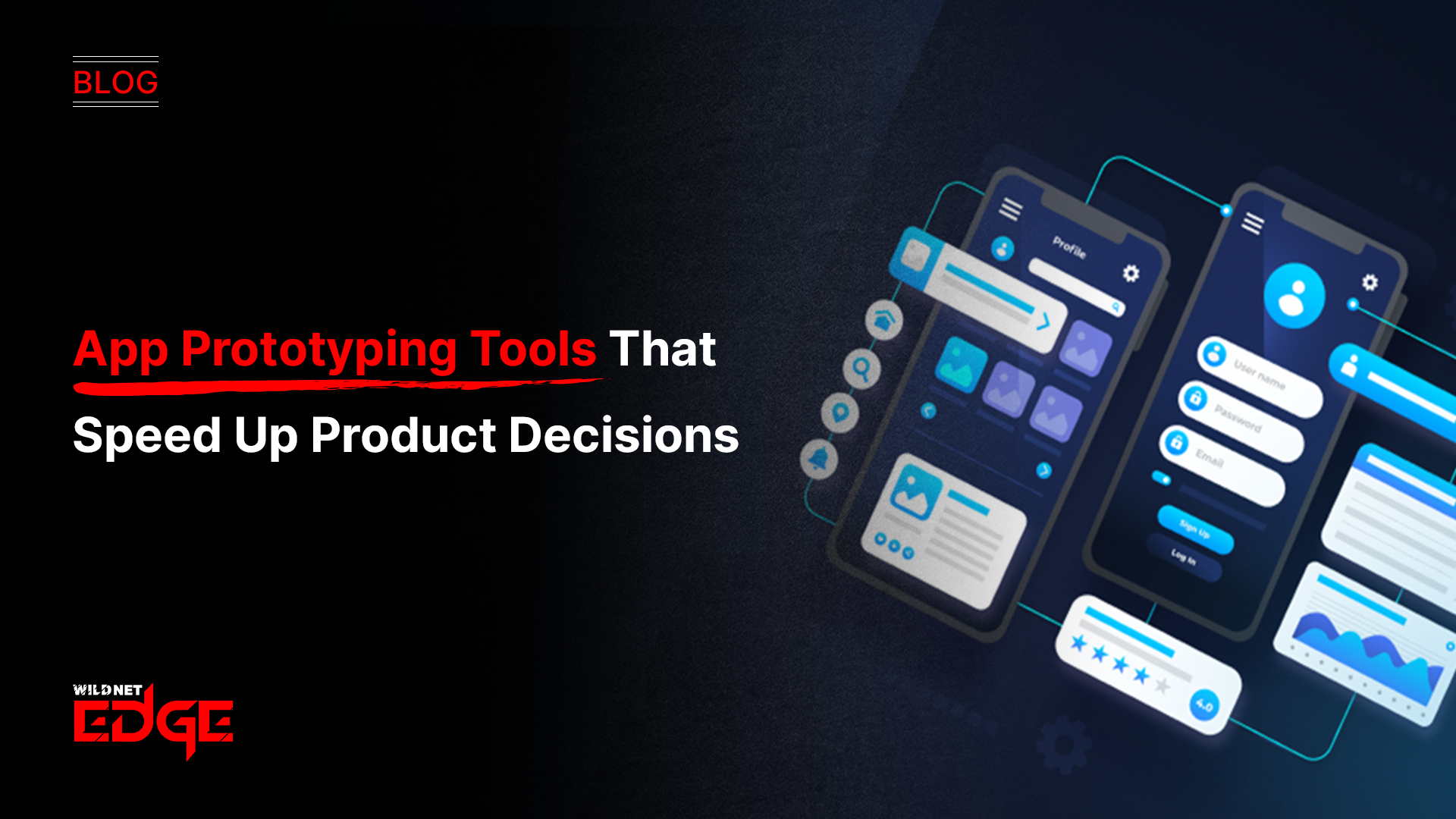
App Prototyping Tools sit at the center of modern app development. In 2026, teams no longer pitch ideas using static screens or long documents. They show working prototypes that behave like real apps.
A good prototype answers hard questions early:
- Does the flow make sense?
- Can users complete tasks easily?
- Will stakeholders approve this direction?
Without the right prototyping platforms, teams waste time building the wrong thing. Misalignment between designers, developers, and product owners still kills projects but now it’s avoidable. With today’s UI/UX tools, app design tools, wireframing tools, and mobile interface design platforms, teams can validate ideas before a single line of production code is written.
The Evolution of Prototyping: 2026 Edition
From Visual Mockups to Design-to-Code
Design no longer stops at visuals. Modern App Prototyping Tools define logic, states, and interactions that developers can directly reuse.
Platforms like Framer and UXPin allow designers to work with real components instead of static layers. This reduces interpretation errors and keeps mobile interface design aligned with the final build. The result: fewer revisions and faster development cycles.
AI-Assisted Prototyping Is Now Standard
AI now removes the blank-canvas problem. Many UI/UX tools generate layouts, flows, and components from text prompts. Designers start refining instead of sketching from scratch. This speeds up ideation and helps teams explore more options without increasing effort.
Top High-Fidelity Prototyping Platforms
High-fidelity App Prototyping Tools simulate real app behavior. They matter when you need realistic testing or investor-ready demos.
Figma (The Collaboration Standard)
Figma remains the most widely used prototyping platform. In 2026, its variables, conditional logic, and Dev Mode make prototypes interactive and development-friendly.
Teams collaborate in real time. Developers inspect layouts, spacing, and styles directly. Designers maintain one source of truth. This makes Figma a core tool for scalable mobile interface design.
ProtoPie (For Advanced Interactions)
ProtoPie excels where other app design tools fall short. It handles gestures, sensors, voice input, and hardware interactions without code. If your app depends on motion, haptics, or device behavior, ProtoPie helps you test realism before development starts. Partnering with a UI/UX design company ensures that your design systems are scalable and robust.
Best Low-Fidelity and Wireframing Tools
Before polishing visuals, teams need structure. Wireframing tools focus on flow and logic not aesthetics.
Balsamiq
Balsamiq keeps things intentionally rough. Its sketch-style UI prevents premature debates about colors and fonts. Teams stay focused on user journeys, screen order, and information hierarchy. It remains one of the fastest ways to validate ideas early.
Miro and FigJam
Miro and FigJam combine brainstorming and wireframing. Teams map flows visually, then convert them into clickable drafts. These tools work well when product thinking and design happen together. Utilizing professional product design services during this phase can help translate these abstract flows into concrete requirements.
Tools Built for Animation and Motion
Micro-interactions define how an app feels. Specialized App Prototyping Tools help designers shape that experience.
Principle and Origami Studio
Principle uses timelines to design smooth transitions and gestures. Origami Studio uses logic-based patches for complex interactions. These tools help designers communicate motion clearly so developers can replicate it accurately.
How to Choose the Right App Prototyping Tools
Idea Phase
Speed matters most. Use Balsamiq, FigJam, or simple wireframing tools. Validate the problem, not the polish. High-fidelity tools slow teams down at this stage.
Validation Phase
Move to Figma or similar prototyping platforms. Test flows with users. Collect feedback. Lock decisions before development starts.
Case Studies: Design Driving Success
Real-world examples illustrate the power of effective simulation using these platforms.
Case Study 1: Fintech User Flow Optimization
- The Challenge: A banking startup had a high drop-off rate during their signup process. The flow felt clunky, but they didn’t know why. They needed robust App Prototyping Tools to test new flows without disturbing the live app.
- Our Solution: We used Figma to create three distinct signup variations. We used the “Variables” feature to simulate a realistic data entry experience. We ran A/B tests with real users on these mockups.
- The Result: We identified that a specific “Upload ID” step was the friction point. The refined design, tested before development, led to a 45% increase in conversion rates once coded.
Case Study 2: IoT Control App Interface
- The Challenge: A smart home company needed an app to control their lights and locks. The gestures had to feel intuitive. Static app design tools couldn’t convey the physical feel of dragging a dimmer switch.
- Our Solution: We utilized ProtoPie to build a high-fidelity mock-up that used the phone’s haptic feedback engine. This allowed stakeholders to literally “feel” the slider click as they dragged it on the screen.
- The Result: The engineering team had a perfect reference for the haptic patterns. The final app development received a 4.8-star rating for its intuitive interface, saving months of iteration during the coding phase.
From Prototype to Development
Modern App Prototyping Tools support developer handoff directly.
Handoff and Inspection
Tools like Figma and Zeplin generate CSS, Swift, and Kotlin values automatically. Developers access exact specs without back-and-forth.
Version Control for Design
Design versioning now mirrors Git workflows. Teams test ideas safely, roll back changes, and maintain clarity across iterations.
Conclusion
In 2026, App Prototyping Tools define how fast teams move and how well they build. AI-powered UI/UX tools, better wireframing tools, and stronger design-to-code workflows reduce risk and improve outcomes.
A strong prototype replaces long explanations. It shows intent, logic, and experience in one place. When teams choose the right tools and use them well, they build products that users understand and trust. At Wildnet Edge, our design-first approach ensures we visualize your success before we build it.
FAQs
For beginners, Figma is the best all-around choice due to its free tier and massive community support. Balsamiq is also excellent for those who want to focus on structure without getting bogged down in complex visual design features found in advanced software.
Prototyping is crucial because it allows you to test and validate ideas cheaply. Fixing a usability issue in one of the App Prototyping Tools takes minutes; fixing it in code after the app is built can take weeks and cost thousands of dollars.
Yes. Modern Prototyping Tools like Framer and Figma (via Dev Mode) allow you to copy CSS, Swift, (iOS), and Kotlin (Android) code snippets. While this code isn’t usually “production-ready” logic, it provides a perfect visual foundation for developers.
Wireframing tools (like Balsamiq) are for low-fidelity, static blueprints that define structure. Prototyping Tools for apps (like ProtoPie) create high-fidelity, interactive simulations that look and feel like the final app, often including animations and transitions.
Generally, no. Most Prototyping Tools for apps are visual and drag-and-drop. However, advanced platforms like Framer or UXPin offer “code-based” features where knowing a bit of React or logic can help you build even more realistic and powerful drafts.
Pricing varies. Figma offers a robust free plan, with professional tiers around $12/editor/month. Advanced Prototyping Tools like ProtoPie or Axure RP can cost between $30 to $50 per month per user, reflecting their specialized capabilities.
Yes. In 2026, many Prototyping Tools utilize Generative AI. You can enter a text prompt like “E-commerce checkout flow,” and the AI will generate screens, layouts, and even copy, significantly speeding up the initial design phase.

Managing Director (MD) Nitin Agarwal is a veteran in custom software development. He is fascinated by how software can turn ideas into real-world solutions. With extensive experience designing scalable and efficient systems, he focuses on creating software that delivers tangible results. Nitin enjoys exploring emerging technologies, taking on challenging projects, and mentoring teams to bring ideas to life. He believes that good software is not just about code; it’s about understanding problems and creating value for users. For him, great software combines thoughtful design, clever engineering, and a clear understanding of the problems it’s meant to solve.


 based on 1200+ reviews



