


Cybersecurity for Small Business: 9 Essential Controls
 By Vidit Kumar
6 Mins read
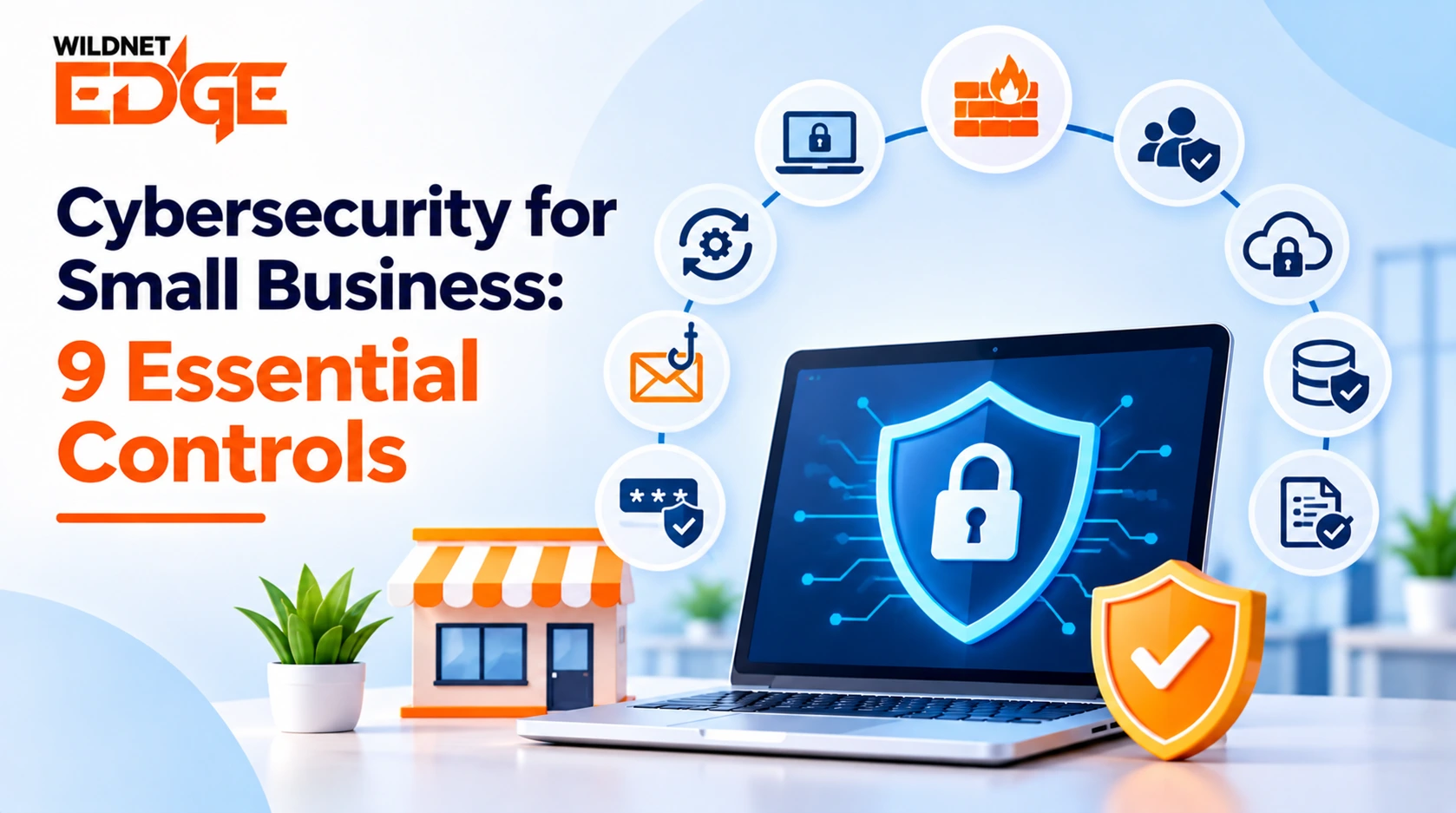
Running a small business means dealing with customer information, payments, employee records, emails, and business files every day. Keeping all of that safe is becoming just as important as keeping the doors open. Cybersecurity for Small Business does not have to mean buying expensive tools or having a large IT team. Simple changes to the way you manage accounts, devices, and business information can go a long way toward preventing common security problems. With the right approach, owners can strengthen their small business cybersecurity without making everyday work harder.
9 Cybersecurity Controls Every Small Business Should Have
Small businesses face different risks depending on what they do, what information they keep, and how their employees work. Still, there are a few cybersecurity measures for small businesses that make sense for almost every company.
1. Turn On Multi-Factor Authentication
A password on its own is not always enough. If someone gets hold of an employee’s password, they may be able to access email, files, or other business accounts.
Multi-factor authentication adds another check before access is given. It could be a code sent to a phone, an approval through an app, or another form of verification.
Use it first on email, financial accounts, cloud storage, and accounts that have access to important business information.
2. Don’t Put Off Software Updates
Those update notifications can be easy to ignore when everyone is busy. They should not be.
Software updates often fix security weaknesses that could otherwise leave a device open to unwanted access. This applies to computers, phones, business applications, routers, and other equipment.
Where possible, switch on automatic updates and make sure employees understand why they matter.
3. Keep Copies of Important Business Files
Imagine losing your invoices, customer records, contracts, or other important files overnight. It could take weeks to rebuild everything, if it is even possible.
Regular backups give you another copy to fall back on. Keep those copies separate from the main system and check from time to time that the files can actually be restored.
Good data protection is not only about stopping someone from getting your information. It is also about being able to recover it when something goes wrong.
4. Protect Every Device Used for Work
A business laptop is not just a laptop. It may contain saved passwords, customer information, emails, and access to company accounts.
That is why endpoint security matters. Business computers, phones, and tablets should have appropriate protection, stay updated, and be locked when they are not being used.
If an employee loses a company device, access should also be removed or blocked as quickly as possible.
5. Give Your Business Wi-Fi Some Attention
Your office network connects employees and their devices to the internet and, in many cases, to business systems too. Weak network settings can create an unnecessary opening.
For better network security for small business, change the router’s default login details, use a strong Wi-Fi password, keep guest Wi-Fi separate from company devices, and update the router when new software is available.
These are small changes, but they are easy to overlook.
6. Don’t Give Everyone Access to Everything
An employee who only needs access to invoices does not necessarily need access to payroll records or every company folder.
Keep access limited to what each person actually needs to do their job. When someone changes roles or leaves the business, remove access that is no longer required.
It is also worth checking important accounts regularly. Old accounts and forgotten permissions can become a problem if nobody notices them.
7. Teach Employees What a Scam Looks Like
A security problem does not always begin with a complicated attack. Sometimes it starts with an email that looks completely normal.
An employee might receive a message asking them to open an invoice, reset a password, send payment, or share information. If something feels unusual, they should know who to ask before taking action.
Short, practical training is often more useful than a long list of rules. Show employees examples they might actually see at work and give them an easy way to report anything suspicious.
If your team needs additional guidance on choosing outside security support, the guide How to Choose a Cybersecurity Company can help you understand what to look for.
8. Know What to Do When Something Goes Wrong
Panic makes a bad situation harder to manage. Employees should know who to contact if a company phone disappears, an account behaves strangely, or someone opens a suspicious attachment.
Keep a simple list of important contacts and basic steps your team can follow. That might include securing an account, disconnecting an affected device, or contacting your IT provider.
The plan does not need to be complicated. It just needs to be clear enough that people know what to do.
9. Check Your Security From Time to Time
Your business will change. New employees join, old accounts are removed, new software is introduced, and the way your team works may change completely.
Your security should change with it.
A cybersecurity risk assessment can help identify weak areas that may not be obvious during day-to-day work. Regularly reviewing these essential cybersecurity controls can also help businesses keep up as their systems, employees, and day-to-day operations change.
Wildnet Edge helps businesses address their cybersecurity needs when managing everything internally is not practical.
How Can Small Businesses Improve Cybersecurity?
You do not need to fix everything in one afternoon. Look at the areas that could cause the biggest problem first.
Protect important accounts, keep business devices updated, make reliable backups, review who has access to company information, and make sure employees know how to deal with suspicious messages.
The right cybersecurity solutions for small business should fit the company rather than create unnecessary work. A five-person business and a 100-person business will not have the same needs, even if they face some of the same threats.
If you are considering outside help, cybersecurity services can provide additional support when managing everything internally is not practical.
Why Should Small Businesses Take Cybersecurity Seriously?
A security problem can affect much more than a computer. It can interrupt normal work, delay payments, expose customer information, or damage the trust a business has spent years building.
That is why Cybersecurity for Small Business deserves regular attention. It is part of protecting the business itself.
There can also be industry rules or legal requirements around how certain information is handled. If that applies to your company, it is useful to understand the connection between security and compliance. You can learn more in IT Compliance and Cybersecurity.
Good security is not about expecting a business to be perfect. It is about closing the obvious gaps, making careless mistakes less likely, and knowing how to respond when something unexpected happens.
FAQs
How much should a small business spend on cybersecurity?
There is no single amount that works for every business. The right budget depends on the size of the company, the type of information it handles, the systems it uses, and the risks it faces. A small business can start by covering its most important accounts, devices, data, and business systems before investing in additional protection.
Is cybersecurity necessary for a business with only a few employees?
Yes. A small team can still handle customer information, payments, employee records, and other sensitive business data. In fact, smaller businesses may have fewer resources to fall back on if something goes wrong, which makes basic security practices worth putting in place early.
How often should a small business review its cybersecurity?
It is a good idea to review security regularly rather than waiting for a problem to happen. A review can be especially useful when the business hires new employees, changes software, moves systems to the cloud, opens a new location, or changes how it handles customer or business information.
What should a small business look for when choosing cybersecurity software?
Look for tools that match the size and needs of the business and are simple enough for employees to use correctly. Businesses should also consider whether the software is regularly updated, works with their existing systems, and comes with reliable support when help is needed.
What information should a small business protect first?
Start with information that could cause the most harm if it were lost, exposed, or misused. This might include customer information, payment details, employee records, financial documents, contracts, passwords, and important business files. Once those areas are protected, businesses can gradually address lower-risk information.


