


Cybersecurity Software vs Antivirus Software: What’s the Difference?
 By Vidit Kumar
5 Mins read
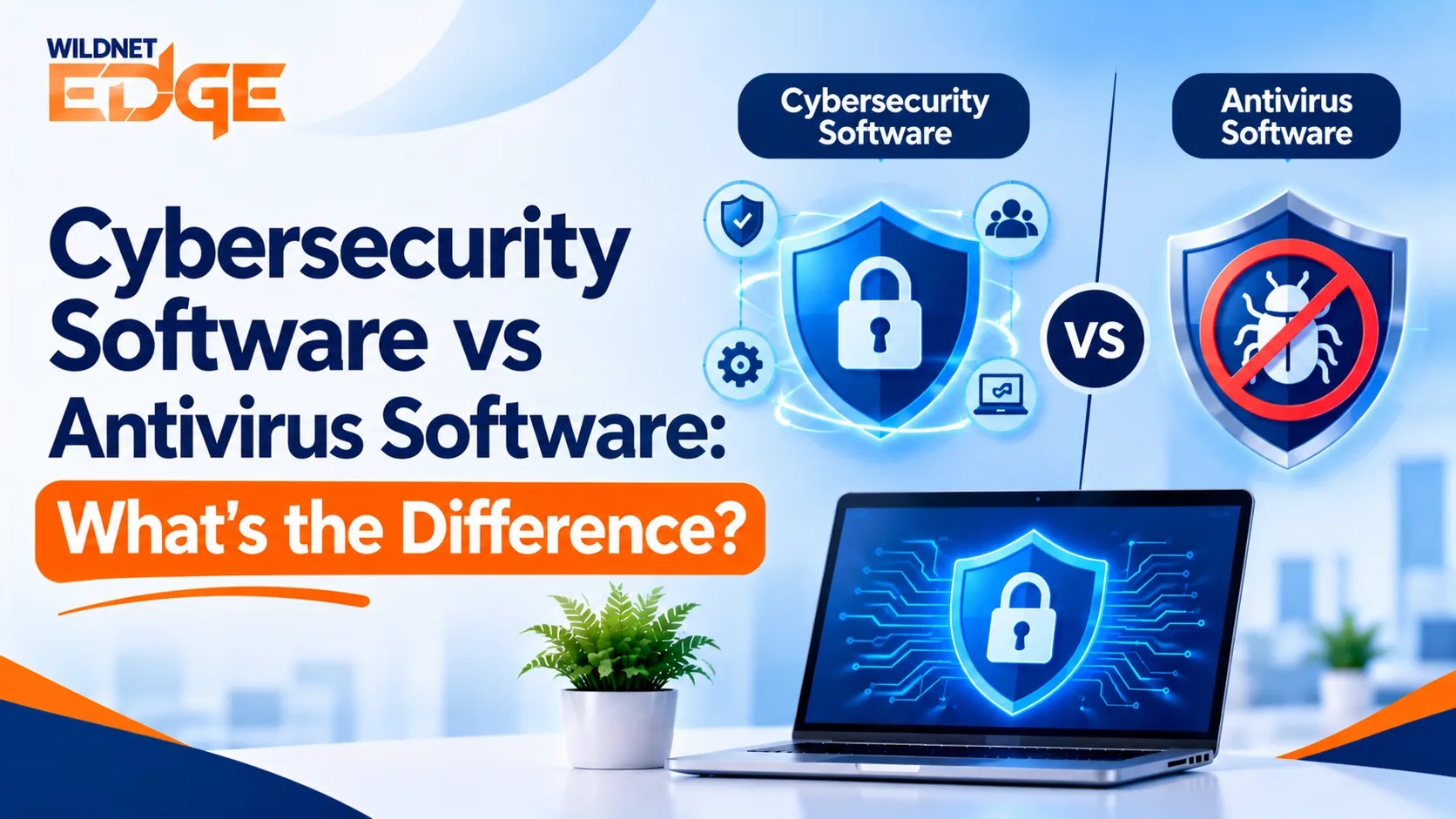
Many businesses rely on security tools to keep their computers, accounts, and important information safe. However, with so many options available, it can be difficult to know which type of protection a company actually needs. Cybersecurity software can help businesses protect different parts of their digital environment and reduce the chances of common security problems.
Choosing the right protection becomes easier when you know what each tool is designed to do. Antivirus software mainly focuses on harmful programs found on individual devices, while understanding the difference between cybersecurity software and antivirus can help business owners decide whether they need broader protection for their company.
What Does Cybersecurity Software Do?
Think of business security as protecting more than just a computer. When asking what is cybersecurity software, it helps to look at the bigger picture. A company may have employee laptops, online accounts, customer information, shared files, and other important resources that need protection.
That is where cybersecurity software can help. Depending on the product, it may help businesses:
- Protect employee devices
- Block unsafe files and websites
- Keep important business information safer
- Detect unusual activity
- Protect accounts
- Prevent unwanted access
- Identify possible security issues
The exact features vary between products, so businesses should choose software based on their actual needs rather than simply choosing the longest list of features.
Companies that want help reviewing their overall security can explore cybersecurity services from Wildnet Edge.
How Does Antivirus Software Work?
A computer can encounter harmful software through downloads, email attachments, websites, or other sources. Antivirus tools are designed to identify and stop these threats before they cause problems.
In simple terms, antivirus software focuses mainly on harmful programs. It can warn users about suspicious files, block certain threats, and remove harmful software from a device.
This makes antivirus an important part of keeping business devices safe. However, it does not necessarily address every security concern a modern business may face.
How Are Cybersecurity and Antivirus Different?
The easiest way to understand antivirus vs cybersecurity is to look at the scope of each one.
Antivirus is mainly concerned with harmful software on a device. Cybersecurity takes a broader view and can include protection for devices, accounts, information, networks, and other parts of a business.
| Antivirus Software | Cybersecurity Software |
| Mainly focuses on harmful programs | Covers a wider range of security risks |
| Primarily protects individual devices | Can cover several areas of a business |
| Helps find and remove harmful files | Can help prevent different types of security problems |
| Useful for computers and other devices | Can support wider business protection |
| One part of a security plan | Can bring several protective measures together |
This means the two should not always be viewed as competing choices. Antivirus can be one part of a wider security plan.
What Should Businesses Look for in Security Software?
Choosing security software should start with the business, not the product name.
A small company with a handful of computers may have different needs from a growing company with remote employees, customer information, cloud accounts, and many devices. Every company has different needs, so cybersecurity protection for businesses should depend on what the company does and what it needs to keep safe.
When reviewing cybersecurity tools for businesses, consider:
- How many employees need protection
- How many devices are being used
- What type of information the business stores
- Whether employees work remotely
- Which online accounts are important to daily operations
- What could happen if a device or account became unavailable
This approach helps businesses choose useful protection instead of paying for features they may never use.
What Are the Main Types of Cybersecurity Software?
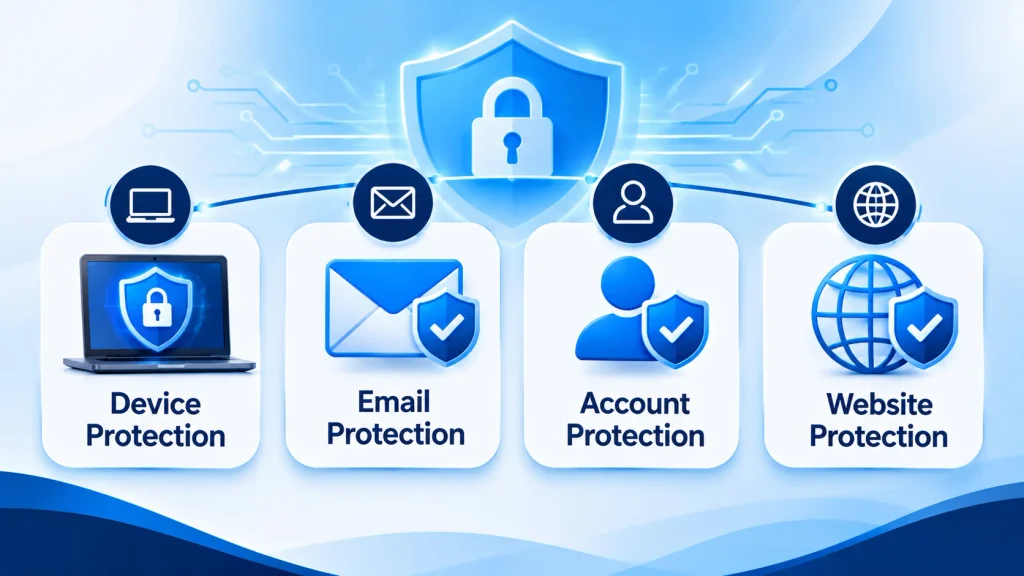
Different businesses need different kinds of protection. Some common types of cybersecurity software include tools that focus on devices, email, accounts, websites, or wider business security.
Device Protection
These tools help protect computers and other work devices from harmful files and suspicious activity.
Email Protection
Email is a common way for unwanted messages and harmful files to reach employees. Email protection can help identify messages that may be unsafe.
Account Protection
Business accounts contain valuable information, so strong passwords and additional account safeguards can help reduce unwanted access.
Website Protection
Employees may accidentally visit unsafe websites or download something harmful. Website protection can help reduce these risks.
These tools can form part of wider business cybersecurity solutions, depending on the company’s size and requirements.
Endpoint Security vs Antivirus: What’s the Difference?
A business may have dozens or hundreds of devices connecting to its systems. Each device can create a potential security concern if it is not properly protected.
That is why endpoint security vs antivirus is an important comparison for growing businesses.
Antivirus mainly focuses on finding and stopping harmful software. Endpoint protection can take a wider approach to devices, including looking for suspicious activity and other signs that something may be wrong.
For a business with many employee devices, broader device protection may provide more useful coverage than relying on basic antivirus alone.
Do Businesses Need Antivirus Software?
The answer is generally yes, but antivirus should not automatically be treated as the complete answer to business security.
A company may have important information stored across computers, accounts, cloud services, and shared files. Protecting only one part of that environment can leave other areas overlooked.
So, do businesses need antivirus software? In most cases, protection against harmful software is an important starting point. The next step is understanding what other safeguards the business may need.
If a company is unsure where its current protection stands, a cybersecurity assessment services review can help identify areas that may need attention.
How Can a Business Improve Its Security?
Good protection does not always mean buying more software. It also means understanding how employees, devices, accounts, and information are being used.
Businesses can start by:
- Reviewing the devices employees use.
- Checking which accounts contain important information.
- Making sure employees understand common online risks.
- Keeping software and devices updated.
- Reviewing who has access to business information.
- Checking whether current security tools still meet business needs.
For companies that want help making these decisions, cybersecurity consulting services can provide guidance based on the company’s situation.
At Wildnet Edge, the focus is on helping businesses understand their security needs and make practical decisions about protecting their digital environment.
How Can a Business Build a Long-Term Security Plan?
Security needs can change as a company grows. New employees, devices, applications, customers, and ways of working can all create new areas that need attention.
A Cybersecurity Roadmap can help a business organise these improvements into clear steps. Instead of trying to address every issue at once, companies can identify priorities and work through them over time.
This can make security easier to manage and give business owners a clearer view of what needs to be done next.
What Is the Right Choice for Your Business?
The right choice depends on what your company needs to protect and how employees work.
Antivirus can provide an important layer of protection against harmful programs. Broader cybersecurity protection can address a wider range of risks across a business.
The key is not to choose software simply because it has more features. Instead, look at your devices, employees, accounts, information, and daily operations. This will give you a clearer idea of the level of protection your business actually needs.
FAQs
1. Can antivirus software protect a business from every cyber threat?
No. Antivirus mainly protects against harmful software, while other business risks can involve accounts, emails, websites, and access to company information.
2. Is cybersecurity software only useful for large companies?
No. Small businesses can also use security software to protect their devices, accounts, and important information. The right level of protection depends on the company’s size and needs.
3. Can outdated security software put a business at risk?
Yes. Outdated security software may not provide protection against newer threats, so businesses should keep their security tools and devices updated.
4. When should a business upgrade its security tools?
A business may need to review its security when it adds more employees or devices, starts working remotely, handles more sensitive information, or changes the way it operates.
5. How can employee behaviour affect business cybersecurity?
Employee actions can affect business security, especially when handling emails, links, files, passwords, and company information. Regular awareness can help employees recognise common online risks.


